Design systems
for growing products

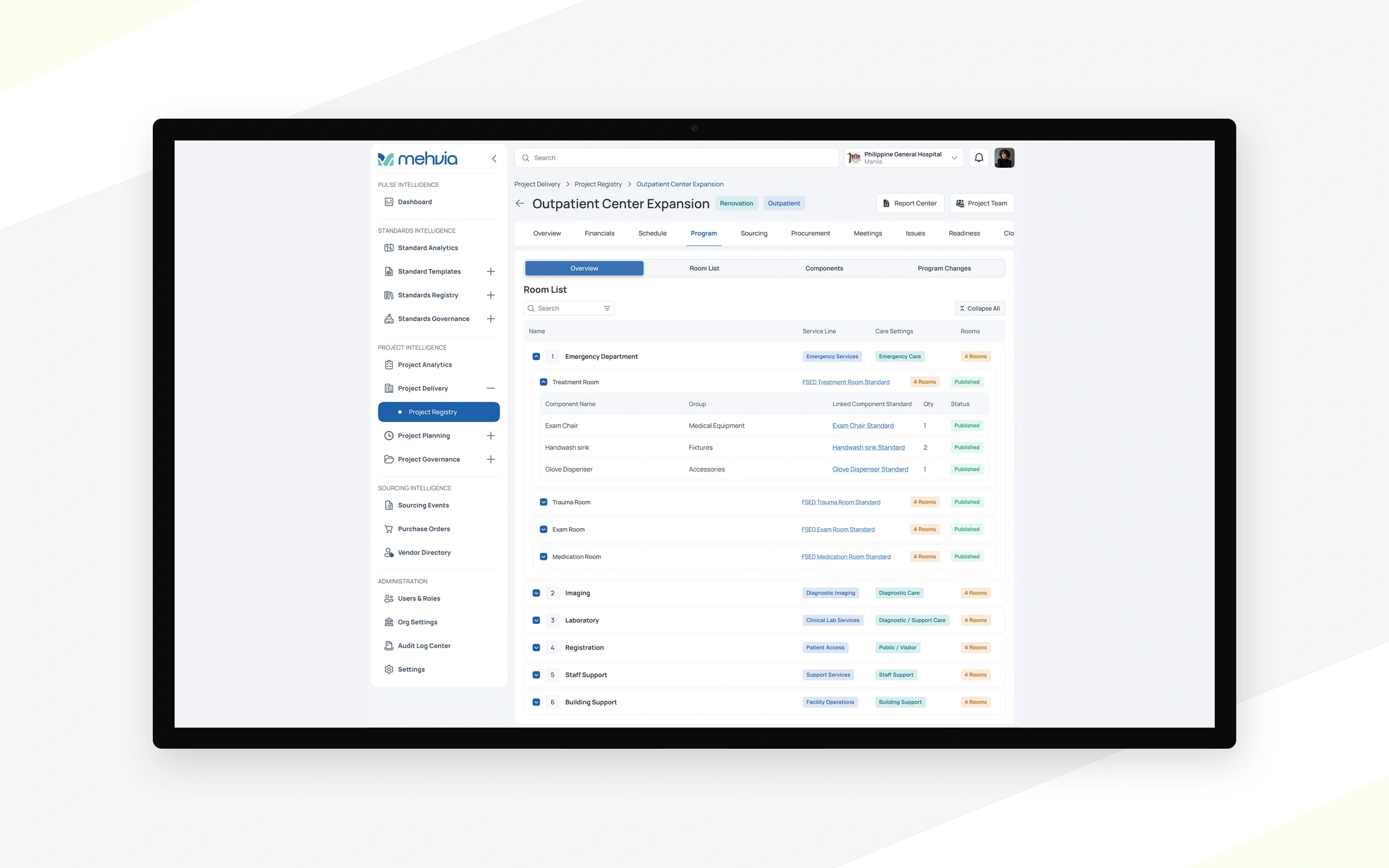
We build design systems in Figma for products whose UI has grown inconsistent: tokens, components with their states and usage rules. Designers and developers get one reference, so new screens look and behave like the rest.

Trusted by

gamecheck.svgsteelseriesteleportshipsciencechirpzen-operatorinformed-decisionscrowdstakememorasynativapex-bluefinflowlinkdealprospexswagyuwefly

When a product
needs a design system

Usually when the same button exists in seven versions.

  • Every screen looks a bit different.

    Each feature was designed on its own.

  • Developers rebuild the same components.

    Every new feature costs more than it should.

  • Design is the bottleneck.

    Designers redraw what already exists.

  • New designers take weeks to get going.

    There is nothing to start from.

  • A rebrand has to reach the product.

    Colours and type need to change everywhere at once.

  • You need themes or dark mode.

    Hard-coded styles make it painful.

Our cases in design systems

Selected work

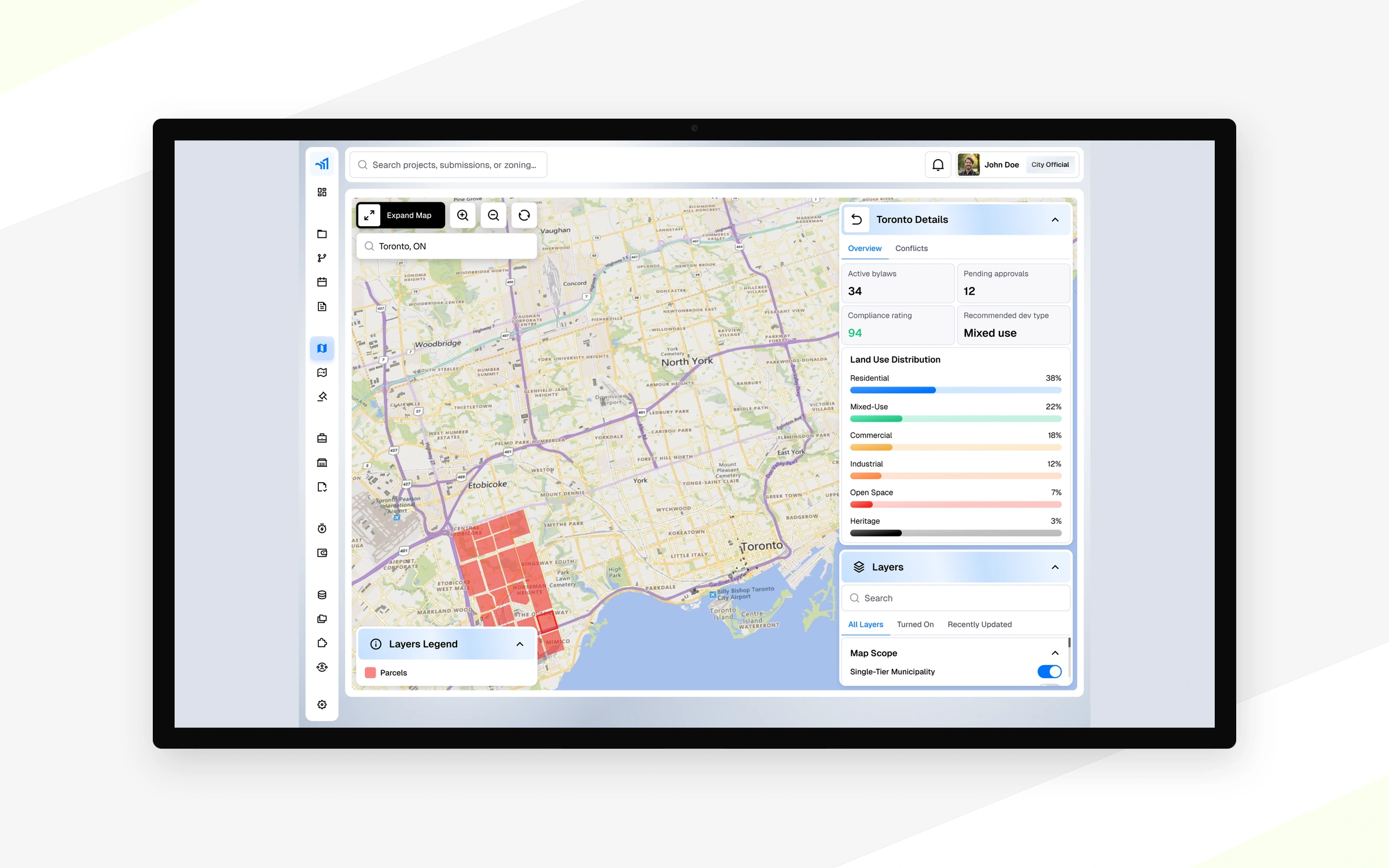
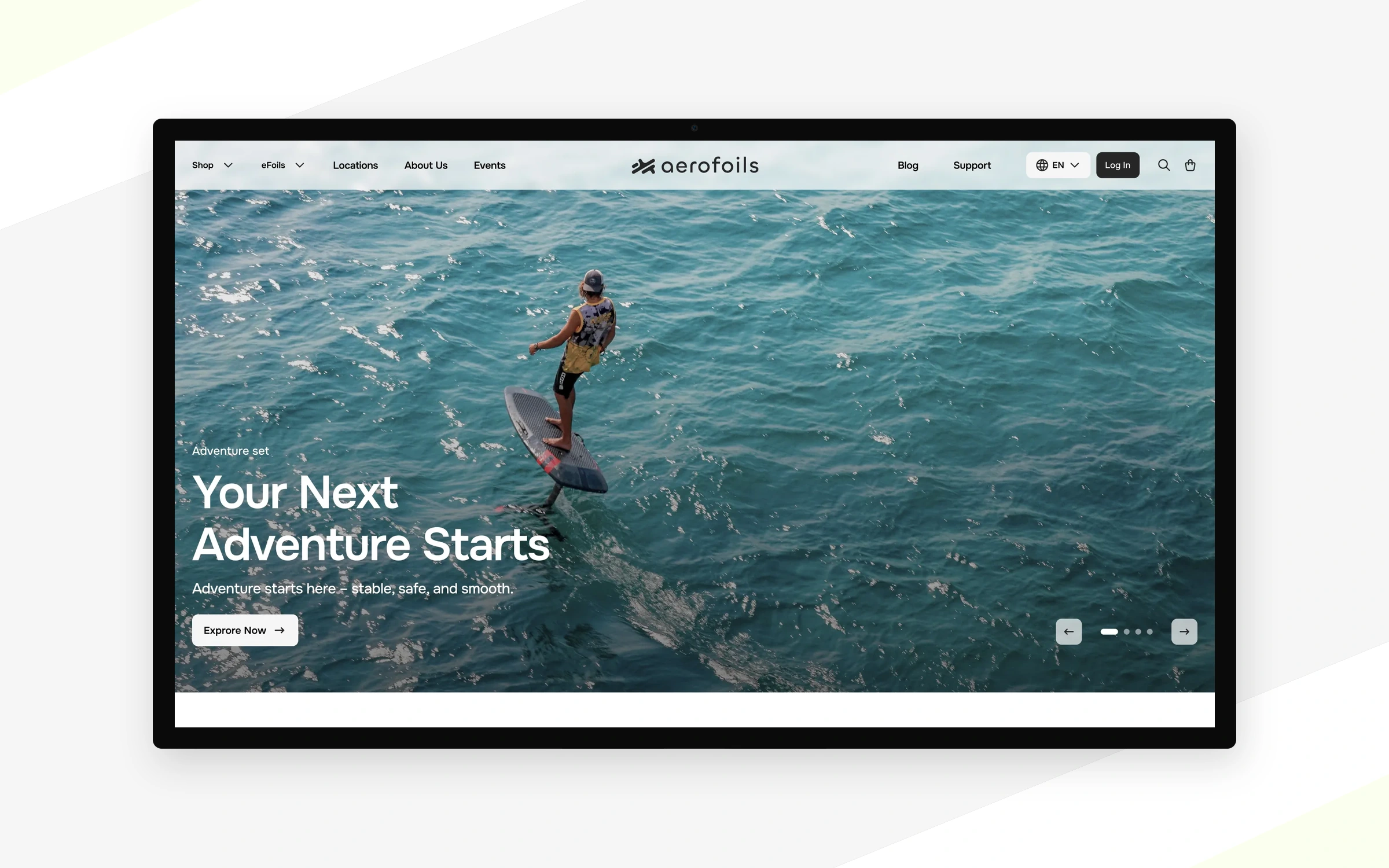
Some of the products we designed, and what the clients said afterwards.

Explore all cases

What a design
system covers

Tokens, components and patterns your team reuses on every new screen.

Tokens

Colour, type and spacing defined once and used everywhere.

Components

Buttons, forms, tables and cards with every state.

Patterns

Onboarding, empty states and permissions that behave the same in every module.

Roles and access

One set of rules for what each role sees and can change.

From audit
to a living system

We start from your real screens, not a generic kit, and document it so your team can keep it alive.

Step 01 / 04

UI audit

Review components and styles across the agreed product scope and identify duplication.

Foundations

Colour, type, spacing and grid as tokens your developers can map to code.

Components & states

Figma components with the variants and states your product needs.

Docs & handoff

Usage rules and a walkthrough for designers and developers.

YouAccess and reviews

Figma & product accessReviews

AuditWhat exists today

UI inventoryDuplicates & gaps

DesignTokens and components

Design tokensComponent libraryStates & variants

DocsRules and handoff

Usage guidelinesTeam walkthrough
  • Your team
  • Nexa
  • Key deliverable

Four ways
to work with us

Pick the format that fits where your product is right now. You can switch later.

Not sure which one fits?

Discuss the right format

Full-time designer

A Nexa designer works in your team every day, in your tools and your sprints.

from$4,500/ month

One designer, every working day. How it works

Book a call

Who works on it

Designer · design lead support

What you get

  • In your sprintsStandups, your task tracker, Slack and Figma.
  • Design lead behind themReviews and help from our design lead on hard problems.
  • Product and webProduct UI, website updates and everything in between.

Questions about
design systems

Oleh Mukovoz

Still have questions?

Book a 30-minute call with Oleh, our founder.

Book a call
Can you build a system from our existing product?

Yes. We start with screens your customers already use and look for places where the same action looks or behaves differently. Those examples help us decide which components to document first and which variations need to stay because they serve a different purpose.

Is it only in Figma, or in code too?

We design the system in Figma with tokens your developers can map to code. Your developers code the library, or our development partners can. For a button, for example, the Figma component shows the available sizes and states so the person building it can see how each version should behave.

Who keeps it up to date?

Your team can maintain the library using the guidelines we hand over, or a Nexa designer can continue working on it. A useful time to review a component is when a new screen needs a variation. The guidelines help the team decide whether to extend an existing component.

How much does a design system cost, and how long does it take?

For a fixed-price design system project, Nexa provides a free estimate after a short call. Tell us how many products or modules it should cover and whether you already have a component library. The estimate sets out the deliverables, stages and dates.

What are design tokens, and how would our team use them?

Design tokens are named values for choices such as colour, type and spacing. A designer can use the same token across buttons or form fields. Developers can map that token to code so the product uses the same design decision wherever the component appears.

Let’s build your
next product together

  1. 01

    You tell us about the product

    Book a call or send a short brief. A link and a few lines are enough.

  2. 02

    30-minute call

    We discuss the product, scope, timeline and the format that fits.

  3. 03

    Estimate or a designer match

    You get a fixed-price estimate with stages, or a designer to start in your team.

Oleh Mukovoz, founder of Nexa DesignOleh MukovozFounder · discuss your project
Book a call Write to oleh@nexadesign.agency